
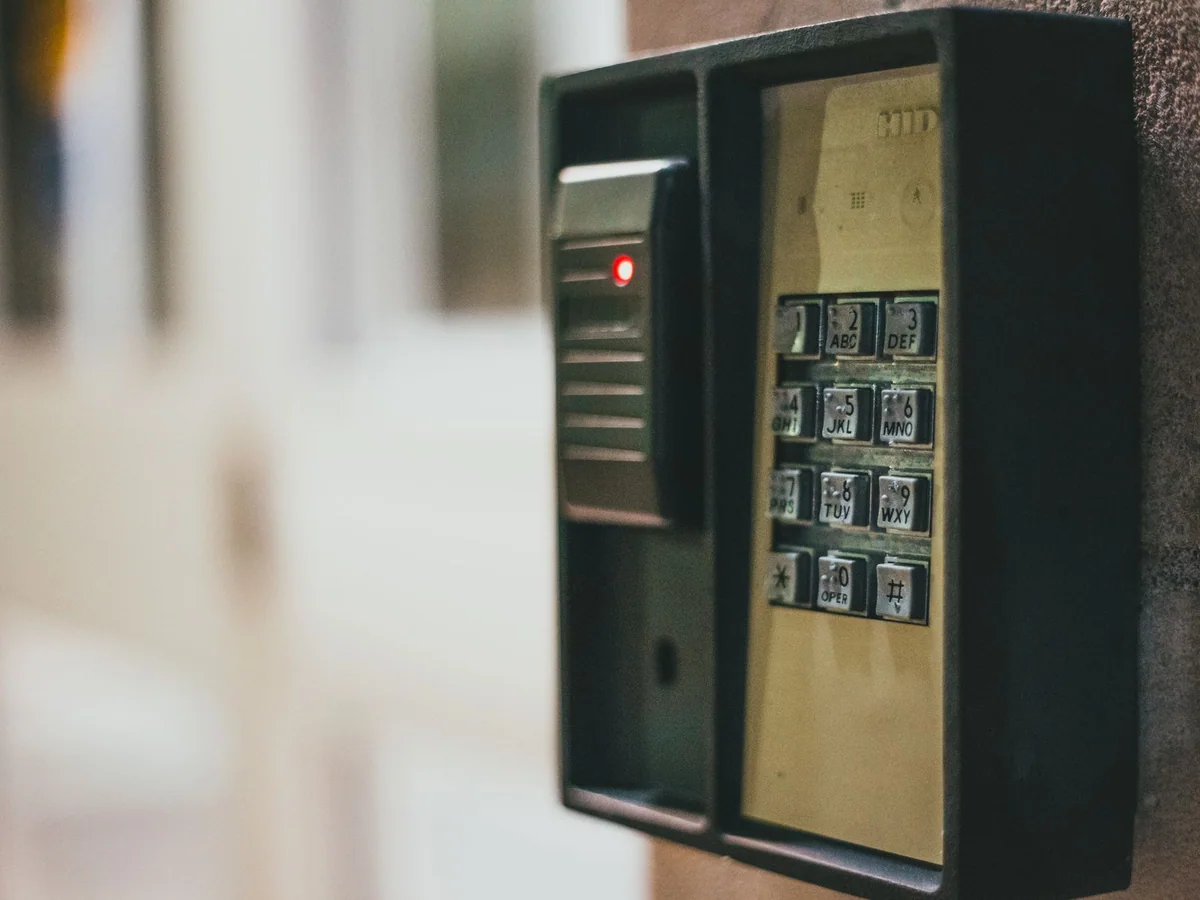
Keypad, retrofit, and connected deadbolt options for households that need temporary access without hiding a key. This guide is written for families coordinating guests, caregivers, cleaners, and contractors and focuses on issue temporary access while keeping the door secure and the system understandable. Product categories are compared by fit and tradeoff rather than a made-up test score.
Quick answer
Choose a lock based on the door's existing hardware and the household's comfort with apps. A keypad deadbolt with temporary codes is often more useful than a fully app-dependent lock for guests and cleaners.
Product categories to compare
These categories reflect the most important product differences for this decision. Use the retailer searches to compare current stock, dimensions, care instructions, and warranty terms.
Best overall
keypad smart deadbolt
- Best for
- households that need simple temporary access codes
- Look for
- A mechanical key backup, adjustable auto-lock, and local code management.
- Tradeoff
- Keypad wear and battery doors need routine maintenance.
Best for tighter spaces
retrofit smart lock
- Best for
- renters who want to keep the exterior hardware
- Look for
- Compatibility with the existing thumb turn, quiet motor, and app permissions.
- Tradeoff
- Retrofit locks may be visible on the interior side.
Best value-minded choice
fingerprint smart lock
- Best for
- adults and older children who want hands-free entry
- Look for
- Reliable fingerprint enrollment, a keypad backup, and clear low-battery alerts.
- Tradeoff
- Fingerprint sensors can fail in wet or cold conditions.
Measure the Door and Existing Hardware
Smart locks are easiest to install on standard doors with compatible deadbolts. Measure the door thickness, backset, and cross-bore diameter. A retrofit lock may fit over the existing interior thumb turn, while a full replacement changes more parts. Check the strike plate and whether the door closes smoothly before adding electronics; a sticking door will make any lock work harder.
Choose the Access Method
A keypad lets guests enter without an app or phone, which is helpful for cleaners and short visits. Bluetooth provides local control, while Wi-Fi or a hub enables remote management. Fingerprint readers are convenient for regular users but may fail with wet or worn fingers. Auto-lock should be adjustable so it does not lock someone outside unexpectedly.
Manage Codes and Permissions
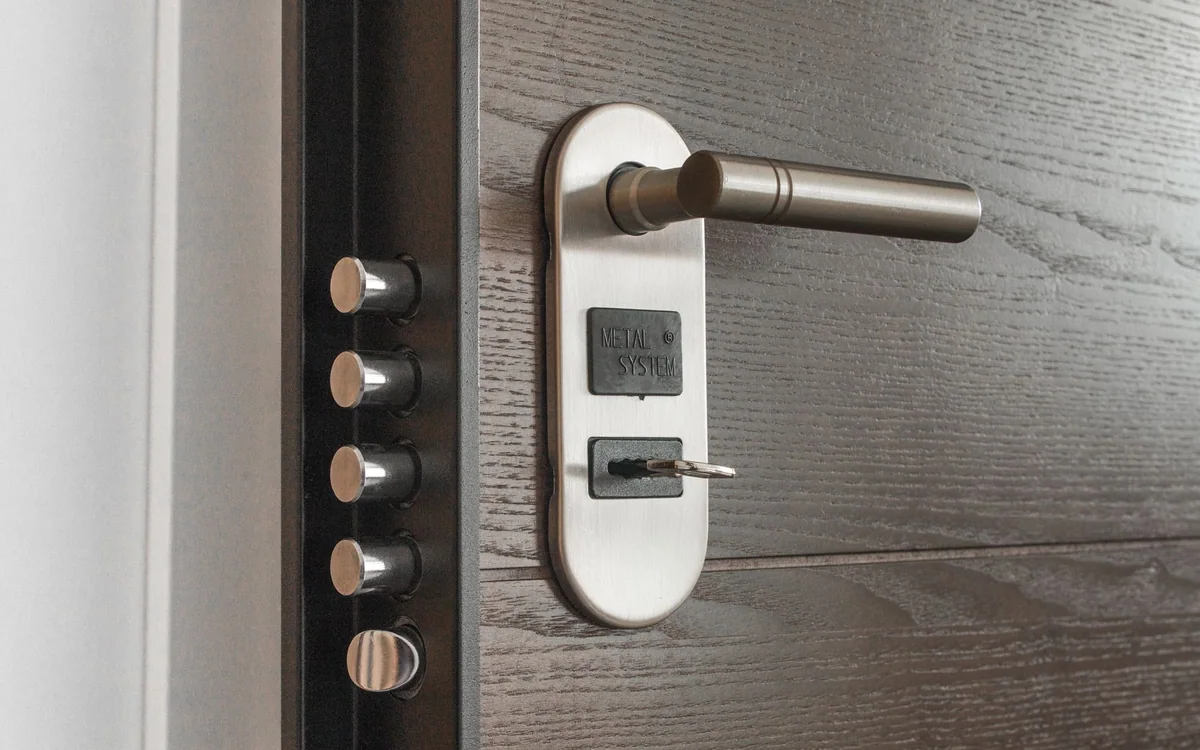
Create a separate code or user for each person so access can be removed individually. Review active codes monthly and after a contractor visit. Enable notifications for failed attempts if the lock supports them. Do not share the primary account password with a guest; use a guest credential with limited permissions.
Plan for Power and Failure
Keep a mechanical key outdoors or with a trusted neighbor if the model offers one. Replace batteries before the low-battery warning becomes critical. Have a backup charger and know how to reset the lock without breaking the door. If the lock depends on the internet, make sure local keypad access still works during an outage.
Frequently asked questions
Are smart locks secure?
Reputable locks can be secure when installed correctly and managed well. Use strong credentials, keep firmware current, and limit access to app accounts.
Can a landlord change a smart lock?
The lease and local rules determine what is allowed. Get permission before changing a lock, especially in an apartment with shared security systems.
What happens when the battery dies?
Most locks provide warning and a mechanical-key or external-power backup. Test the backup method before relying on the lock.
What to do next
Write down the room dimensions, the items that must fit, and the maintenance you are willing to repeat before choosing a product. The best purchase is the one that fits the space and the household routine, not merely the one with the longest feature list.